
Built to be shared, safely
Squeezle pairs a fast Postgres workbench with the controls that let you hand results to anyone without handing over the data.
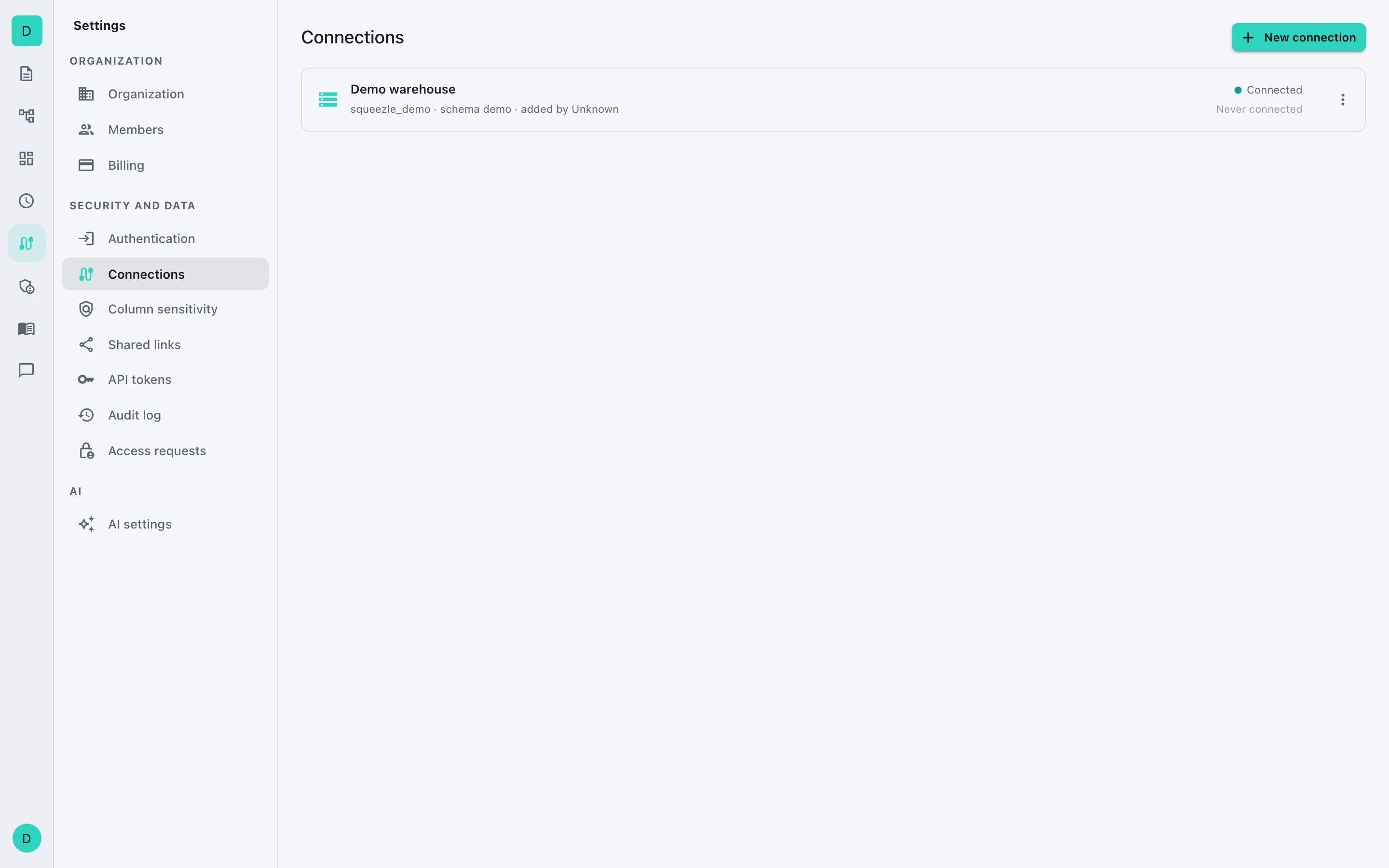
You decide who sees what
Squeezle starts every connection locked. You open up exactly what each person needs, and nothing else. Every query is capped, and sensitive columns stay hidden from anyone without access.
- Per connection, give each person no access, run access, or editor access.
- Hide sensitive columns from people who should not see them.
- Cap how many rows any query, export, or preview returns.
- See who ran what, and when, in the audit log (Team plan and up).
Links that expire and can be pulled back
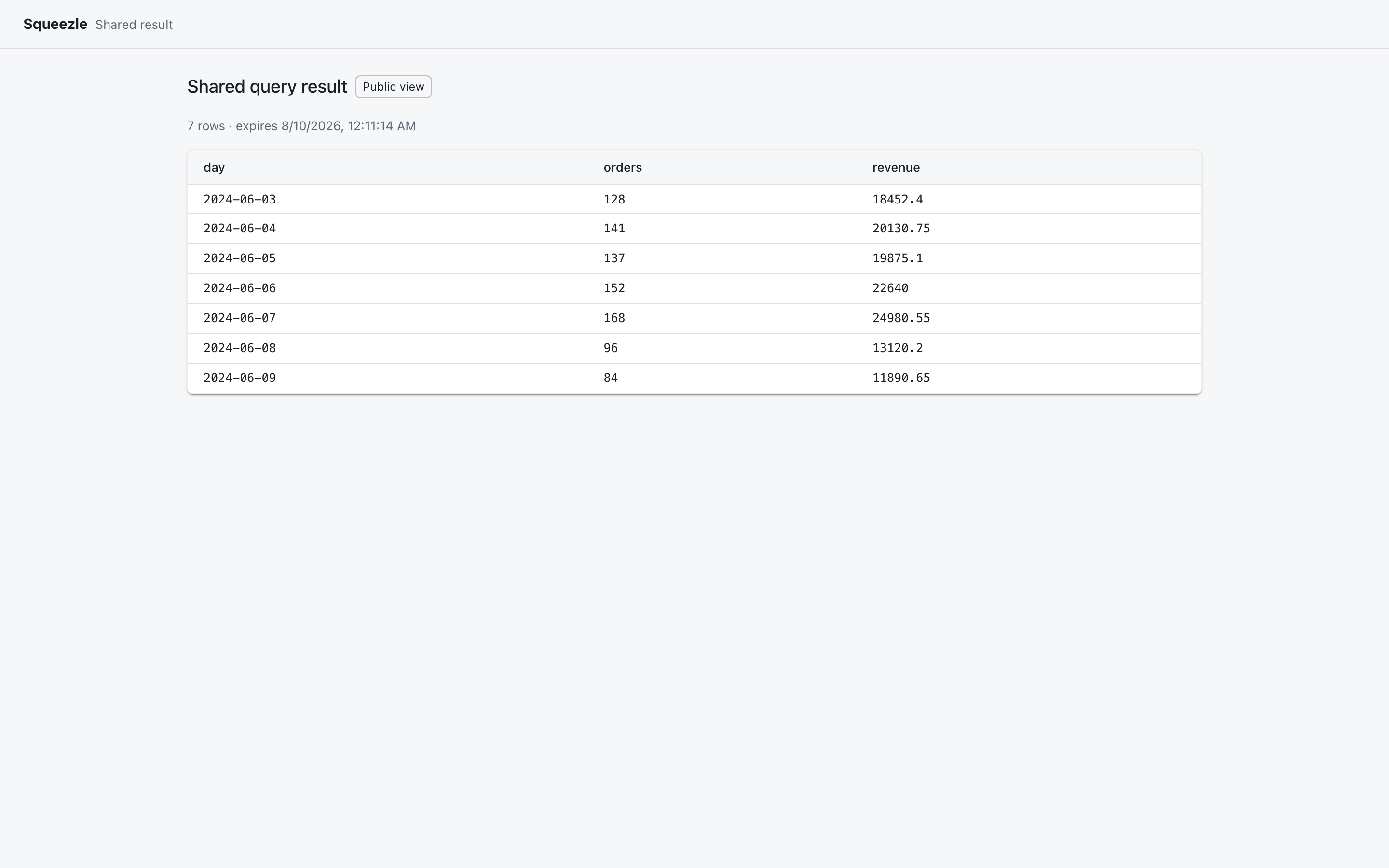
Sharing a result should not mean handing over your data. A Squeezle share is a link to one result, not a copy of the table behind it.
- Choose when a link expires and how many times it opens.
- Sensitive columns stay hidden from viewers without access.
- Turn off all sharing for your organization with one switch.
- Revoke any link from one place.
Passkeys first, SSO when you grow
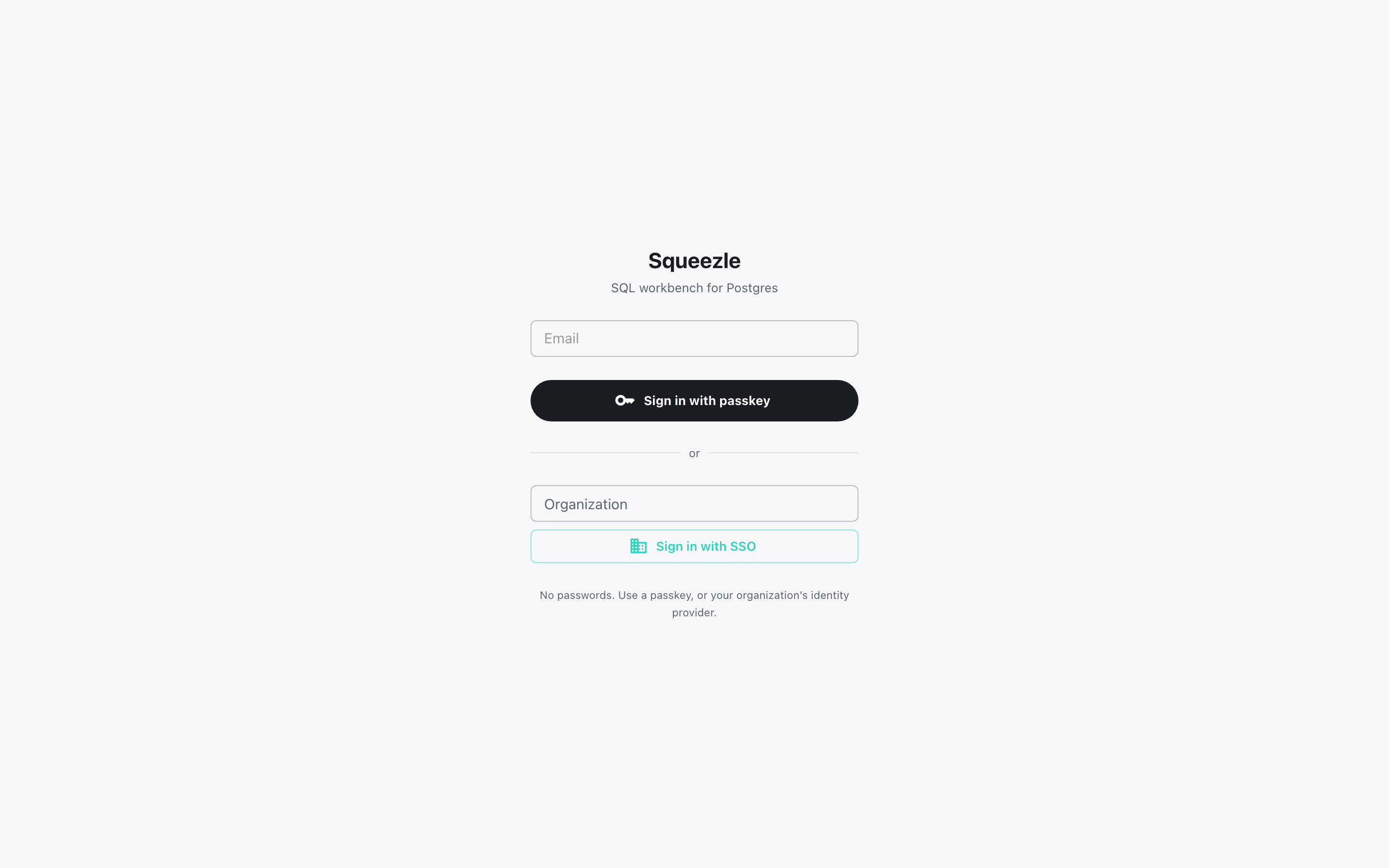
There are no passwords to steal. Everyone signs in with a passkey, and larger teams sign in through their own company login.
- Passkey sign-in for every account, no password.
- Single sign-on with OpenID Connect, from the Team plan.
- SAML single sign-on, from the Business plan.
- Set a sign-in policy for your organization, with a backup way in.
Put a query on a schedule
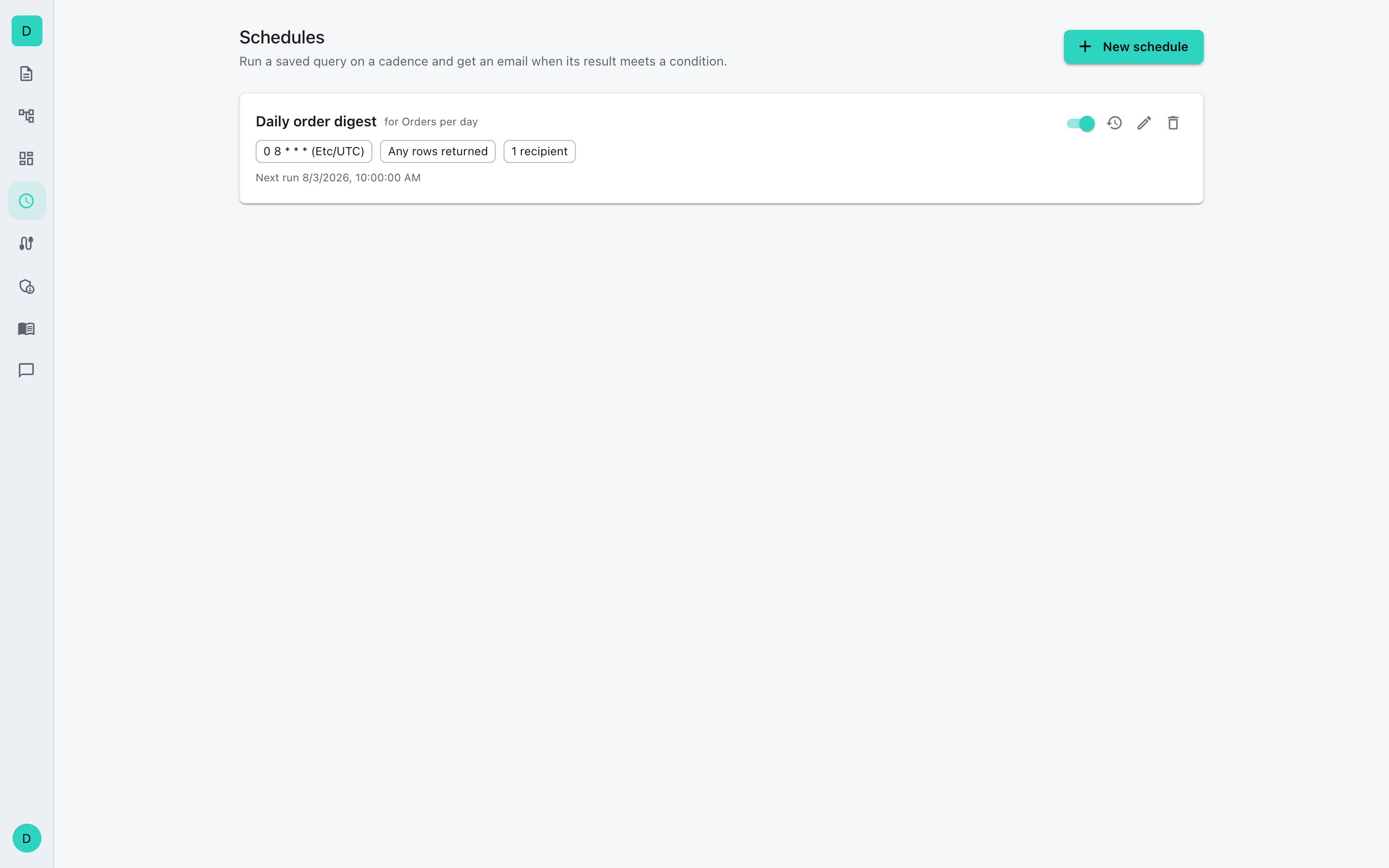
Let Squeezle run a query for you and watch the result. If something looks off, the right people hear about it, and the data stays in the app.
- Run on a schedule or a fixed interval, in your timezone.
- Alert on any rows, no rows, a count, or a threshold.
- Recipients get a link to the result, not the rows.
- Pause or edit any schedule whenever you want.
Dashboards built from your queries
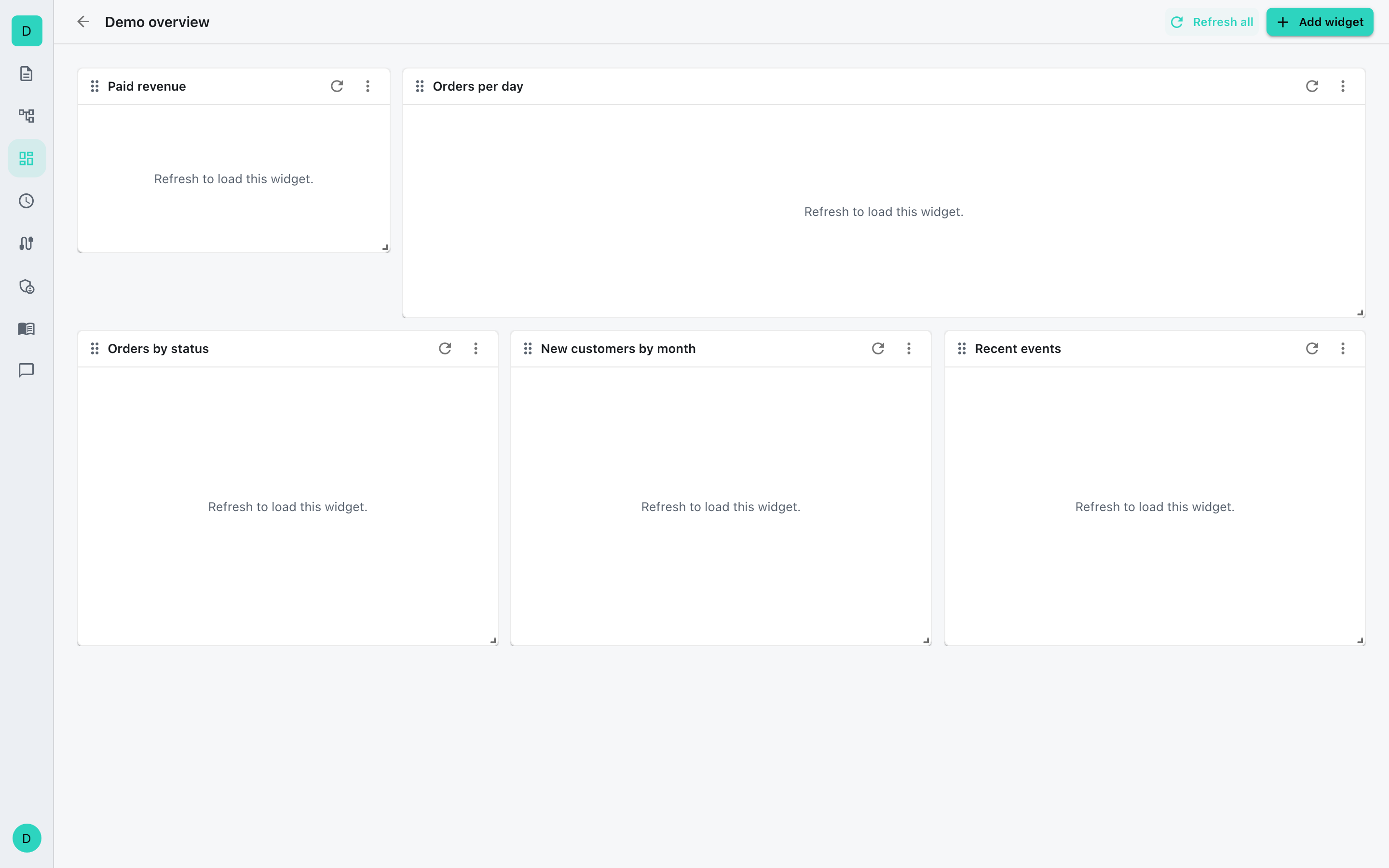
Turn the queries you already trust into charts. Every chart is a real query. Refresh a board and every chart re-runs its query.
- Line, bar, area, pie, stat, and table charts.
- Arrange them on a drag-and-drop grid.
- Refresh one chart, or the whole board at once.
- Available on paid plans.
AI on your own Anthropic key
AI help is optional and under your control. The assistant runs on your own Anthropic API key, so the requests go to your Anthropic account, not ours.
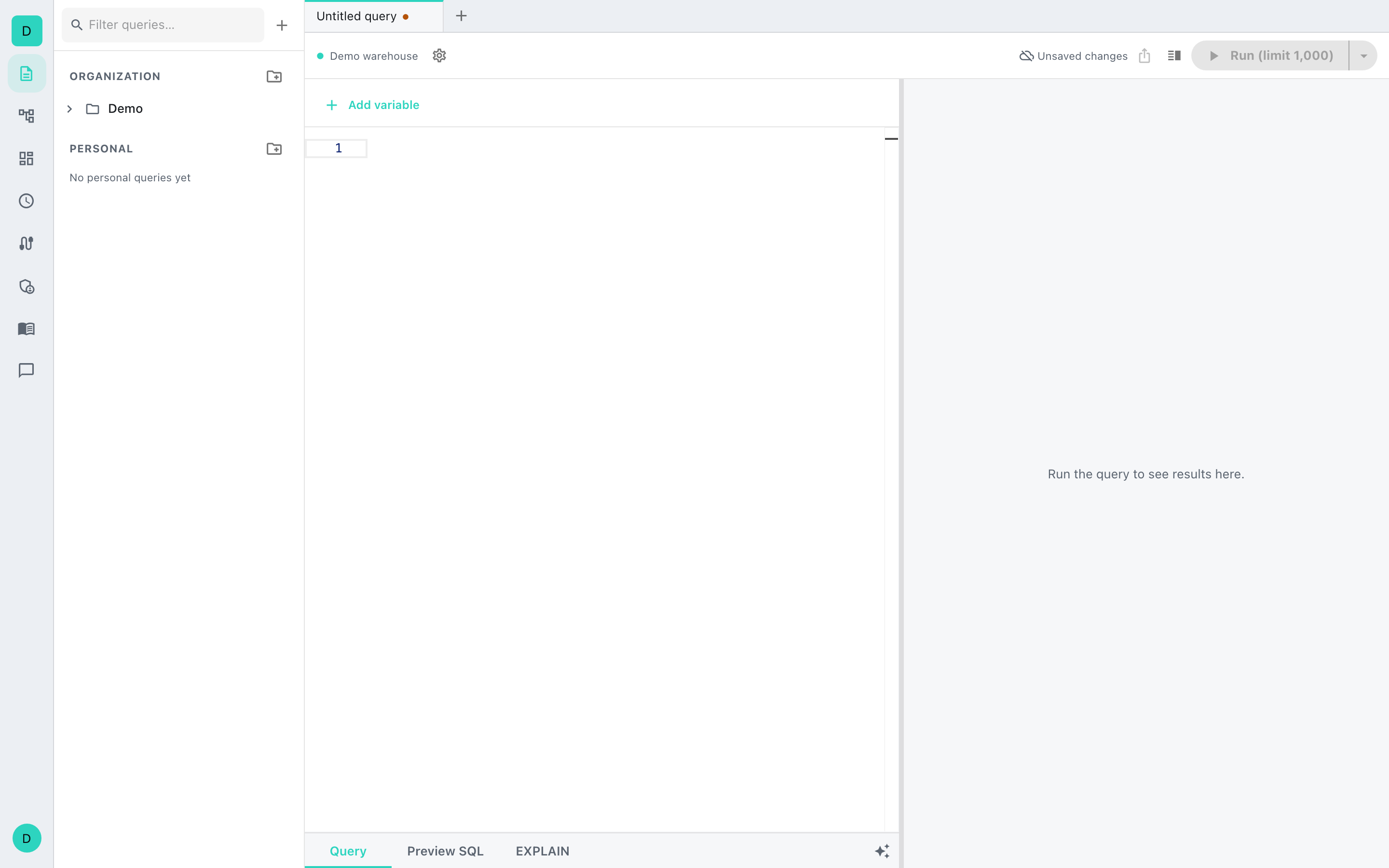
- Draft and explain SQL right in the editor.
- Use your own Anthropic key on the Business and Enterprise plans.
- Let AI suggest which columns are sensitive (Business plan and up).
- Turn the assistant on only when you want it.
Give your team SQL they can trust.
Start free, invite your team with a passkey, and upgrade when you need SSO, scheduling, or dashboards.